7 Best Cash Back Apps That Save You Money Every Week

What if you could get paid just for buying the groceries, clothes, and household items you were already going to buy anyway?
That’s exactly what cash back apps do — and it’s one of the simplest, most effortless ways to put extra money back in your pocket every single week.
No surveys. No special skills. No selling anything. Just shop like you normally do, and these apps hand you a percentage of your money back.
In this post, I’m breaking down the 7 best cash back apps of 2026 — what they are, how they work, how much you can realistically save, and which ones are worth downloading first. I’ve also included tips at the end to help you stack your savings like a pro.
Let’s get into it! 💸
💡 Our Top Pick on This List — Swagbucks
✅ Cash back on shopping ✅ Bonus surveys & videos ✅ Free $10 welcome bonus
Swagbucks — Best All-in-One Cash Back App
Most cash back apps only pay you when you shop. Swagbucks pays you for shopping AND surveys AND watching videos AND web searches — all in one place. New members get a free $10 bonus just for signing up.
👉 Join Swagbucks Free + Claim Your $10 →⭐ Trusted by 20M+ members 💳 Pays via PayPal or gift cards 🔓 Free to join
What Are Cash Back Apps (And How Do They Work)?
Cash back apps partner with thousands of retailers, grocery stores, and online shops. When you shop through the app — or scan your receipt after shopping — the app gives you a small percentage of your purchase back as cash or points.
Here’s the simple flow:
- Download the app (free)
- Activate an offer or shop through the app’s link
- Make your purchase as normal
- Earn cash back or points
- Cash out via PayPal, direct deposit, or gift cards once you hit the minimum
The stores and brands pay the app to drive customers to them — and the app shares a slice of that with you. It’s a win for everyone, and it costs you absolutely nothing.
How Much Can You Really Save?
Let’s set realistic expectations. Cash back apps won’t replace your income — but they can meaningfully reduce your monthly expenses.
Here’s what typical users earn:
- Casual user (groceries only): $10–$30/month
- Regular user (groceries + online shopping): $30–$80/month
- Power user (stacks multiple apps + activates all offers): $100–$200+/month
The key to maximizing savings? Use more than one app. Most of these work well together, and stacking them on a single purchase can multiply your cash back significantly. More on that below!
Free Download: Cash Back Stacking Cheat Sheet
Before you download any of these apps — grab the free cheat sheet first. It shows you exactly how to stack them together for maximum cash back on every purchase.
Quick Comparison: Best Cash Back Apps at a Glance
Not sure which app is right for you? Here’s a quick snapshot before we dive into the full reviews:
| App | Best For | New User Bonus |
|---|---|---|
| Rakuten | Online shopping | Up to $30 |
| Ibotta | Grocery shopping | $5–$20 |
| Fetch Rewards | Scanning any receipt | Bonus points |
| Honey | Automatic coupon codes | N/A (saves on coupons) |
| Dosh | Hands-off card-linked cash back | Varies |
| Capital One Shopping | Amazon price comparisons | N/A (saves on price drops) |
| Swagbucks | Earning beyond just shopping | Up to $10 |
👉 Keep reading for the full breakdown of each app — including how much you can earn, the pros and cons, and exactly how to get started.
7 Best Cash Back Apps in 2026
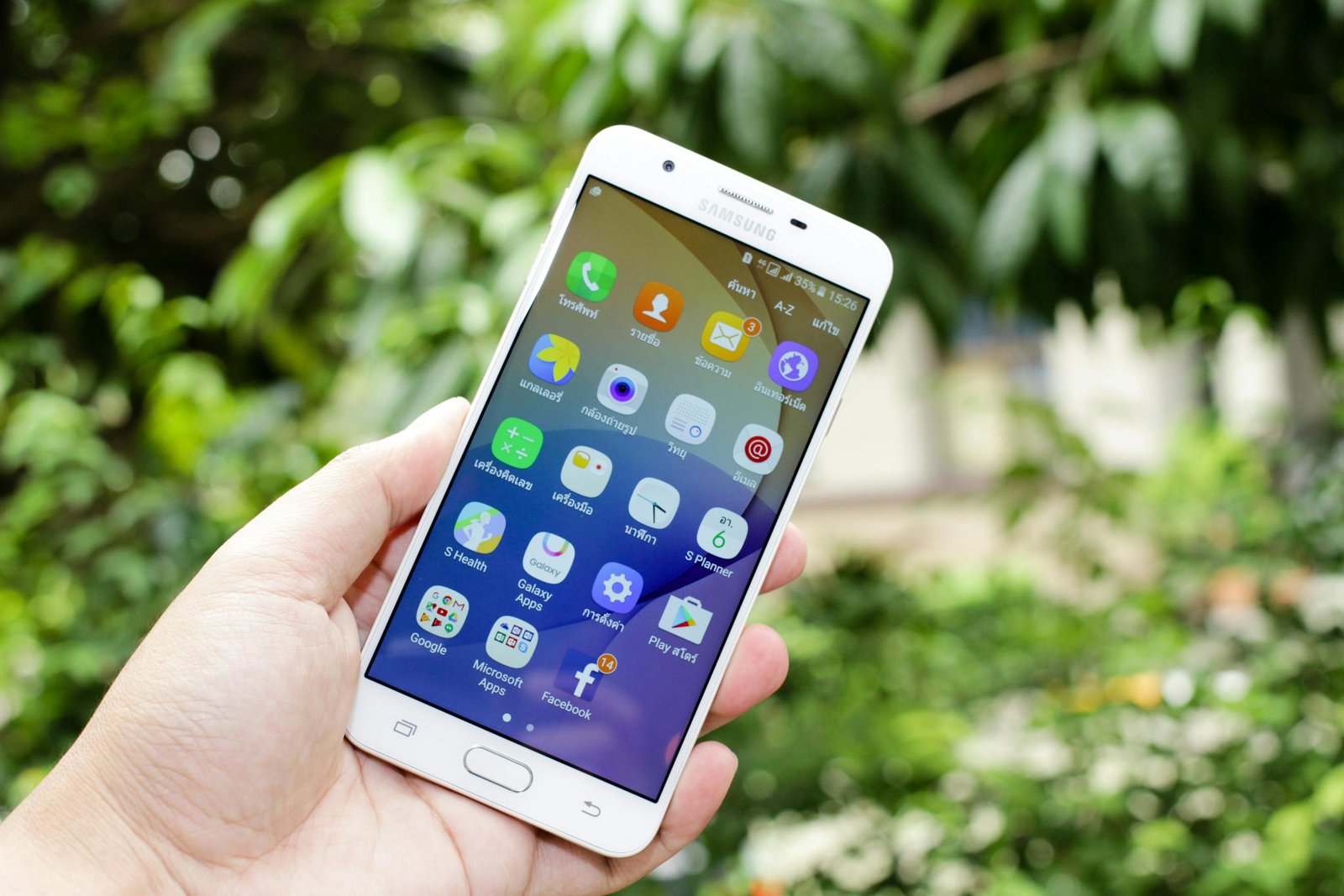
1. Rakuten — Best for Online Shopping
What it is: Rakuten (formerly Ebates) is the king of online cash back. It partners with over 3,500 stores — including Amazon, Walmart, Target, Nike, Sephora, and hundreds more — and gives you a percentage back on every qualifying purchase.
How it works:
- Install the free Rakuten browser extension (it automatically activates cash back when you visit partner stores)
- Or shop directly through the Rakuten website or app
- Cash back accumulates in your account and gets paid out every quarter via PayPal or check
How much can you earn? Cash back rates typically range from 1–15%, depending on the store and current promotions. Some stores run special 10–20% events, especially around the holidays.
Pros:
- ✅ Huge network of partner stores
- ✅ Browser extension makes it almost automatic
- ✅ Quarterly “Big Fat Check” payouts via PayPal
- ✅ New member bonus up to $30 for qualifying first purchase
Cons:
- ❌ Quarterly payouts mean you wait a while to access your cash
- ❌ Only works at partner stores
How to get started: Sign up for free at Rakuten.com, install the browser extension, and start shopping. The extension will notify you whenever you visit a store that offers cash back so you never miss out.
2. Ibotta — Best for Grocery Shopping
What it is: Ibotta is the go-to cash back app for grocery shoppers. It works at over 300 retailers — including Walmart, Kroger, Walgreens, Target, and even small local stores — and pays you cash back on specific products.
How it works:
- Browse available offers in the app before you shop (or after — Ibotta added a receipt scan feature)
- Add the offers you want to your list
- Shop as normal, buy those items
- Scan your receipt or link your loyalty card to verify the purchase
- Cash appears in your account within 24–48 hours
How much can you earn? Individual offers usually range from $0.25–$5 per item. Regular grocery shoppers can realistically earn $20–$60/month.
Pros:
- ✅ Works at virtually every major grocery chain
- ✅ New user bonus ($5–$20 depending on current offer)
- ✅ Team bonuses — earn extra when friends use it too
- ✅ Cash out via PayPal, Venmo, or gift cards at just $20 minimum
Cons:
- ❌ You have to unlock specific offers before shopping (easy to forget)
- ❌ Some offers are brand-specific, so you have to buy that exact product
How to get started: Download Ibotta, verify your email, and browse the offers for your regular grocery stores before your next shopping trip. Unlock the ones that match what you’d buy anyway.
3. Fetch Rewards — Best for Receipt Scanning
What it is: Fetch Rewards is refreshingly simple: just scan any receipt from any store, and you earn points — no pre-selecting offers required. It works at grocery stores, restaurants, gas stations, pet stores, and more.
How it works:
- Shop anywhere (literally any store)
- Open the app and scan your receipt
- Earn points based on what you bought (branded products earn more)
- Redeem points for gift cards from Amazon, Target, Starbucks, and more
How much can you earn? Points redemption rates are: 1,000 points = $1. Most receipts earn 25–1,000+ points depending on what’s in them. Active users typically earn $10–$30/month in gift cards.
Pros:
- ✅ No pre-selecting required — just shop and scan
- ✅ Works at ANY store
- ✅ Easy to use, even for total beginners
- ✅ Bonus points for buying featured brands
Cons:
- ❌ Pays out in gift cards only (no PayPal)
- ❌ Points value is lower than some other apps
How to get started: Download Fetch, create your free account, and scan your very next receipt. You’ll start earning points immediately.
4. Honey — Best Browser Extension for Coupon Stacking
What it is: Honey (owned by PayPal) is a free browser extension that automatically finds and applies the best coupon codes at checkout when you shop online. It also has a “Honey Gold” rewards program that earns you points on purchases.
How it works:
- Install the free browser extension
- Shop online as you normally would
- At checkout, Honey automatically tests every available coupon code and applies the best one
- You also earn Honey Gold points on qualifying purchases, redeemable for gift cards
How much can you earn? Honey users report saving an average of $28/month just on coupon codes, on top of whatever Honey Gold they accumulate.
Pros:
- ✅ Completely automatic — zero effort required
- ✅ Works at 30,000+ stores
- ✅ Also shows price history on Amazon so you know if you’re getting a real deal
- ✅ Free and backed by PayPal
Cons:
- ❌ Honey Gold points have a lower return than straight cash back
- ❌ Coupon codes don’t always exist for every store
How to get started: Go to joinhoney.com, install the extension in about 30 seconds, and forget about it — it works quietly in the background every time you shop online.
5. Dosh — Best for Automatic Card-Linked Cash Back
What it is: Dosh works differently from the others — instead of scanning receipts or clicking links, you simply link your debit or credit card to the app. Then whenever you use that card at a partner store, cash back is deposited automatically. No scanning. No clicking. Just spend and earn.
How it works:
- Create a free Dosh account
- Link your debit or credit card securely
- Shop at partner stores (includes hotels, restaurants, and retail)
- Cash back deposits automatically — you don’t have to do anything
How much can you earn? Cash back rates are typically 2–10% at participating locations. Hotels are a particularly strong category — Dosh often offers 3–5% back on hotel bookings.
Pros:
- ✅ Fully automatic — no receipts, no clicking
- ✅ Works at restaurants and hotels, not just retail stores
- ✅ Cash out via PayPal or bank transfer at just $25 minimum
Cons:
- ❌ Smaller network than Rakuten
- ❌ Partner stores are location-dependent (may vary by city)
How to get started: Download Dosh, create an account, and link one card. That’s it — from that point on, cash back happens automatically whenever you shop with that card at a partner location.
6. Capital One Shopping — Best for Amazon Shoppers
What it is: Capital One Shopping (formerly Wikibuy) is a free browser extension that automatically compares prices across retailers and finds coupon codes while you shop. It has a rewards system that earns you “Shopping Credits” redeemable for gift cards.
How it works:
- Install the free browser extension
- When you browse Amazon or other stores, it alerts you if the same item is cheaper elsewhere
- Automatically tests coupon codes at checkout
- Earns Shopping Credits on qualifying purchases
How much can you earn? The real value here is in the savings from price comparisons — users report significant savings when switching from Amazon to cheaper alternatives for the same product.
Pros:
- ✅ Free to use (no Capital One account needed)
- ✅ Excellent for price comparison while shopping on Amazon
- ✅ Coupon code finder works at thousands of stores
- ✅ Price drop alerts for items you’re watching
Cons:
- ❌ Rewards program is less generous than dedicated cash back apps
- ❌ Price comparison alerts can interrupt your shopping flow
How to get started: Search “Capital One Shopping” in your browser’s extension store, install it for free, and it starts working immediately. You don’t need to be a Capital One customer.
7. Swagbucks — Best for Earning Beyond Shopping
What it is: Swagbucks is the most versatile rewards app on this list. Yes, it offers cash back when you shop online — but it also pays you for taking surveys, watching videos, playing games, and searching the web. It’s a one-stop-shop for earning extra cash in your downtime.
How it works:
- Shop through Swagbucks to earn SB points on purchases
- Complete daily tasks (surveys, videos, searches) for more SB
- Redeem SB for PayPal cash or gift cards (Amazon, Target, Starbucks, and more)
How much can you earn? Active Swagbucks users earn $50–$200/month combining shopping cash back with other activities. Survey and video earnings alone can add up to $25–$50/month.
Pros:
- ✅ Multiple ways to earn (not just shopping)
- ✅ Huge and trusted platform with millions of users
- ✅ New user bonus (usually $10 for meeting a first-month earning goal)
- ✅ Daily goal keeps you engaged and rewarded
Cons:
- ❌ Some tasks (like videos) pay very little per hour
- ❌ Points system can feel complex at first
How to get started: Sign up at Swagbucks.com for free, claim your welcome bonus offer, and start with the shopping portal for the biggest returns. Add surveys and videos when you have spare time.
How to Stack Cash Back Apps for Maximum Savings 🏆
Here’s a little secret that experienced savers use: you can often use multiple cash back apps on the same purchase and earn from all of them simultaneously. This is called stacking.
Here’s an example of a stacked online purchase:
- Activate a Rakuten offer for the store you’re shopping at (e.g., 5% back at Target)
- Use the Honey extension to auto-apply any coupon codes at checkout
- Pay with a cash back credit card for an extra 1–3% back
- Scan your receipt in Fetch afterward for bonus points
On a $100 Target purchase, that combination could realistically earn you $8–$15 back — on something you were buying anyway!
⚠️ A note on stacking: Some apps don’t allow stacking with competitors. Always check the terms, especially for Rakuten and Ibotta, which have specific rules about combining offers.
Full Comparison: Which Cash Back App Is Right for You?
Now that you’ve seen all 7 apps in detail, here’s the complete side-by-side comparison to help you make your final decision:
| App | Best For | Cash Back Rate | Payout Method | Min. Cashout | New User Bonus |
|---|---|---|---|---|---|
| 🛍️ Rakuten | Online shopping | 1–15% | PayPal or check | $5 | Up to $30 |
| 🧾 Ibotta | Grocery shopping | $0.25–$5/item | PayPal, Venmo, gift cards | $20 | $5–$20 |
| 🧺 Fetch Rewards | Any receipt scanning | 25–1,000+ pts/receipt | Gift cards only | 3,000 pts ($3) | Bonus points |
| 🍯 Honey | Coupon code stacking | Varies (coupons + pts) | Gift cards | 1,000 pts ($10) | N/A |
| 💳 Dosh | Automatic card-linked | 2–10% | PayPal or bank transfer | $25 | Varies |
| 🛒 Capital One Shopping | Amazon price comparison | Varies | Gift cards | $10 | N/A |
| 🌟 Swagbucks | Earning beyond shopping | 1–10% + tasks | PayPal or gift cards | $3 (PayPal) | Up to $10 |
My top picks for beginners: Start with Rakuten + Ibotta — they cover both online shopping and groceries, they’re free to join, and both offer new member bonuses that put money in your account right away.
FAQ: Cash Back Apps for Beginners
Are cash back apps actually free?
Yes — every app on this list is completely free to download and use. You never pay anything. The retailers fund the cash back as part of their marketing budget.
Is it safe to link my card to a cash back app?
Reputable apps like Dosh and Rakuten use bank-level encryption and are trusted by millions of users. That said, if you’re not comfortable linking a card, choose apps like Ibotta and Fetch that work through receipt scanning instead.
Can I use cash back apps with sale prices or coupons?
Usually yes! Most cash back is calculated on your final purchase price. And with apps like Honey, you can layer coupon codes on top — making your savings even bigger.
Do cash back apps work outside the US?
Some do! Rakuten operates in several countries including the UK and Canada. Fetch and Ibotta are currently US-focused. If you’re outside the US, search for “[your country] + cash back app” to find local alternatives.
Will using cash back apps affect my credit score?
No. Apps that link to your debit or credit card simply read your transactions — they don’t apply for credit on your behalf or affect your credit score in any way.
How long does it take to get paid?
It varies by app. Ibotta and Fetch pay within 24–72 hours of receipt verification. Rakuten pays quarterly. Swagbucks and Honey pay when you choose to redeem your points or cash.
Final Thoughts: Small Savings Add Up to Big Wins 💪
Cash back apps won’t make you rich — but they will put real money back in your pocket every single month, completely effortlessly. And when you combine two or three of them? Those savings add up fast.
Here’s your action plan for today:
- ✅ Download Rakuten and install the browser extension
- ✅ Download Ibotta and browse offers before your next grocery run
- ✅ Download Fetch and scan your very next receipt
- ✅ Come back and explore stacking strategies once you’re comfortable
That’s it. Three apps, 10 minutes of setup, and you’re already saving money this week. 🎉
Free Download: Cash Back Stacking Cheat Sheet
Cash Back Stacking Cheat Sheet
Stack multiple apps to maximise every dollar you spend
Get instant access to the ESOC Free Library — starting with the Cash Back Stacking Cheat Sheet so you never leave money on the table, plus every other free resource in the library.
- Cash Back Stacking Cheat Sheet
- First $100 Earnings Tracker
- Blog Income Blueprint
- New resources added regularly
🔒 No spam. Unsubscribe anytime.
✅ You’re in!
Click below to download your Cash Back Stacking Cheat Sheet. A copy is also heading to your inbox.
💰 Download Your Cheat SheetOpens in Google Drive. File → Download to save.
Have you tried any of these apps? Which one is your favourite? Share in the comments — I’d love to hear how much you’ve saved!
Disclosure: This post may contain affiliate links. If you sign up through my links, I may earn a small commission at no extra cost to you. I only recommend apps and tools I genuinely believe in.